To get your MRI, CT, X-ray or ultrasound images for a second opinion, contact the hospital or imaging centre where the examination took place. Ask for the complete imaging study, preferably in DICOM format, and the written radiology report. Depending on the provider, you may receive a secure download, patient-portal access, a CD or a USB drive. [2] [11]
This guide explains what to request, how to check what you receive and how to prepare your imaging files for a specialist review.
Watch: How to Get Your Imaging Files
A one-minute overview of requesting your images and preparing them for a radiology second opinion. Follow the detailed steps below if you need help.
Your Scan Images and Radiology Report Are Different
Your scan images are the pictures produced during the examination. Your radiology report is the radiologist’s written interpretation of those pictures.
A report can explain what was found, but it does not give another radiologist the full examination to review independently. For a review of the imaging itself, request the images as well as any available report. Relevant earlier scans can also help the specialist compare findings over time. [1]
1. Contact the Centre Where Your Scan Was Performed
Start with the hospital or imaging centre that carried out the examination. Ask for the team responsible for releasing imaging records. This may be the radiology department, medical records office or patient records service. If you are directed to a “PACS team”, that is the team managing the system used to store and share medical images. [2]
Have these details ready:
- Your full name and date of birth.
- Your patient or hospital reference number, if available.
- The scan type, body area and approximate examination date.
- The location where the scan was performed, if the provider has several sites.
The centre may ask you to complete a request form and verify your identity. If you are requesting records for someone else, ask what consent or representative documentation is needed. Requirements vary between providers and countries. [3]
2. Ask for the Complete Imaging Study and Report
Ask for the complete diagnostic image set in DICOM format, including all available series for the examination, plus the final radiology report and any later addendum. A “series” is a group of related images within a study. You do not need to identify the individual sequences yourself.
Specify each examination you need, particularly if you had scans on different dates or of different body areas. Request the existing diagnostic study; you do not need to ask for the scanner’s raw research data. [11]
A Message You Can Send to the Imaging Centre
Hello, I would like a copy of my imaging records for an independent second opinion.
The examination was a [scan type] of my [body area], performed on approximately [date] at [location].
Please provide the complete diagnostic imaging study in DICOM format, including all available image series, together with the final radiology report and any addendum. For ultrasound, please include any saved clips as well as the stored images.
Could you let me know the secure delivery options, any forms or identification required, the expected processing time and whether any charges apply?
Thank you.
Add identifying information through the centre’s approved request process.
3. Understand What DICOM Files Are
DICOM stands for Digital Imaging and Communications in Medicine. It is the standard used to store and exchange medical images and associated information. A diagnostic image file contains more than the picture you see on screen; it also carries information that imaging software uses to read the examination. [4]
A download may contain many folders and files. Some files end in .dcm; others have unfamiliar names or no visible extension. This does not, by itself, mean that they are the wrong files. Do not rename extensions to try to make them open. [5]
If the package contains DICOMDIR, keep it with the accompanying image folders. It is an index used to locate the images, not the complete scan on its own. [6]
4. Receive Your Images by Portal, Secure Download, CD or USB
Patient Portal or Secure Download
Open the imaging centre’s official portal or the secure link it provides. Check whether it offers a download of the complete study, rather than only an on-screen viewer or report. Some providers offer digital access that lets patients download and share their imaging. [3]
If you can see the images but cannot export them, ask the centre how to obtain a DICOM copy. Check whether the link expires and whether an access code is required. A link that works in your account may not be accessible to another provider; confirm the transfer method before relying on it.
CD, DVD or USB Drive
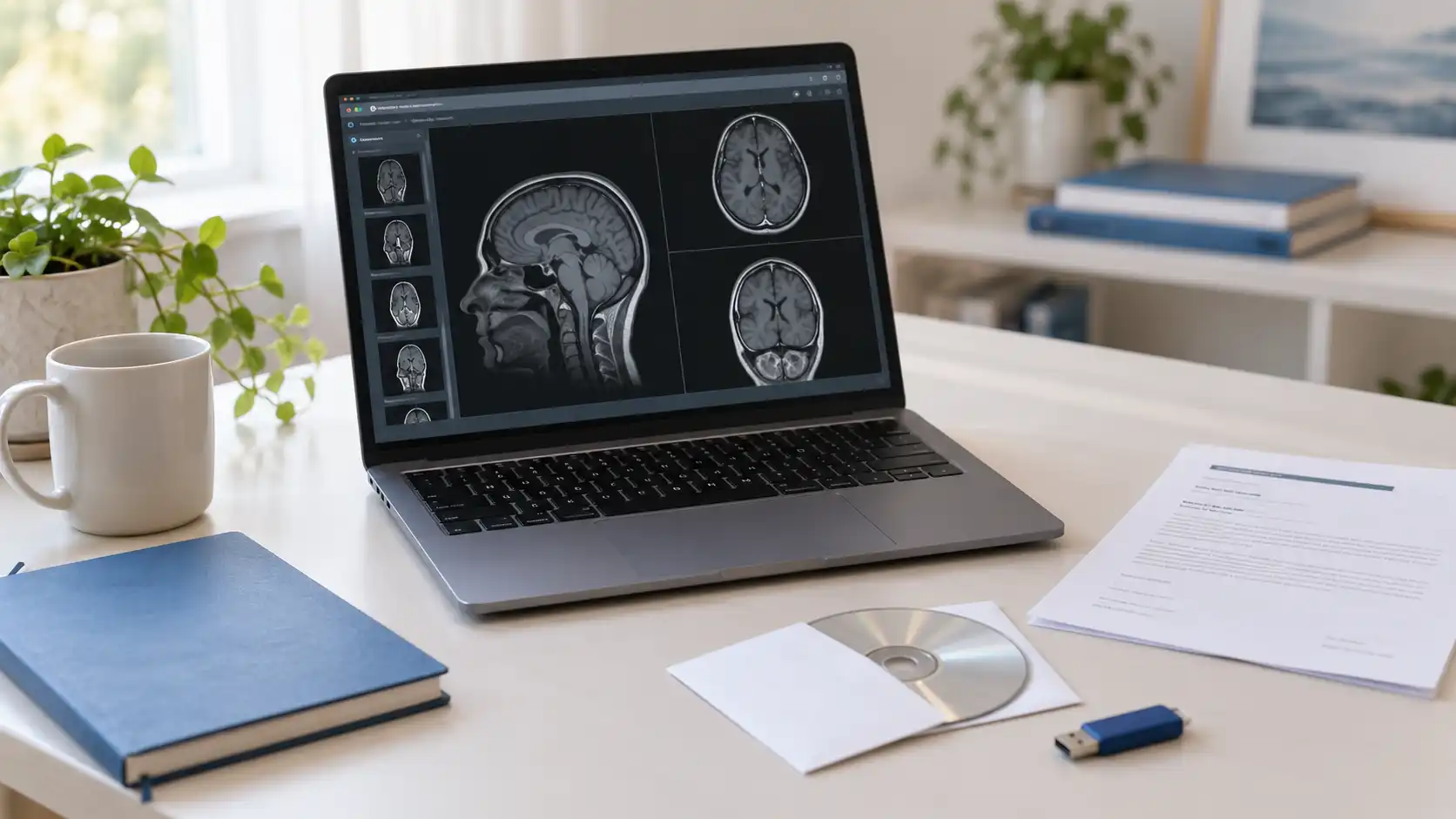
These may contain both image files and a viewing program. Keep the supplied files together when copying them to your computer. If your computer has no disc drive, ask about a digital download or use a compatible external drive. [2]
The included viewer may not work on your device. That does not necessarily mean the image files are unusable: some supplied viewers only run on particular operating systems. You do not need to interpret the images yourself before arranging a review. [7]
What to Request for Each Type of Scan
- MRI: the complete examination, including all available sequences and image series, plus the report.
- CT: the complete study, including available series and reconstructions, plus the report.
- X-ray: all recorded views for the relevant examination, plus the report.
- Ultrasound: all stored images, saved video clips or cine loops, and available measurements or Doppler records, plus the report.
Ultrasound is a real-time examination. A later review is limited to what was recorded; it cannot reproduce the original hands-on scan. This means that saved images may not answer every question, and the reviewing clinician may recommend further assessment. Ask whether the available material is suitable before relying on an ultrasound second opinion. [8]
5. Check and Prepare Your Files
Before uploading, use this checklist:
- Correct patient: check the identifying details provided with the study.
- Correct examination: confirm the scan type, date and body area.
- Images included: make sure you have more than the report, a web shortcut or a viewing program.
- Complete transfer: wait for the download or copy to finish, and retain all supplied study folders.
- Supporting information: include the available report, relevant earlier imaging and a short explanation of your question.
- Original copy retained: keep a backup of the files you received.
Follow the receiving service’s instructions for uploading folders or ZIP archives. If a ZIP is requested, package the complete study folder without changing the image files. Do not convert scans to JPEG or PDF, resize them or remove selected images to reduce the upload size. If you are unsure which folder contains the study, ask the imaging centre or receiving service for help. [6] [11]
Medical images contain personal health information. Use the provider’s approved transfer route, keep portal passwords private and avoid public sharing links. Ask how to transfer protected files if your download is encrypted. [9]
6. Upload Your Imaging Files to Hospitual
Once your records are ready, start your case through Hospitual and provide the clinical details and questions you would like reviewed. Upload your imaging study and available reports through the platform, then choose your preferred specialist as you continue through the case process.
Follow the upload instructions displayed for your case. If a file is too large, will not upload or is only available through a portal link, contact Hospitual for guidance before changing or removing files.
Read how Hospitual works for the process, or explore the radiology second opinion service. An independent review can provide another specialist’s interpretation of the available imaging; discuss its findings with the clinician responsible for your ongoing care. [10]
If you’re submitting an MRI study, explore our MRI second opinion service to learn about the types of scans reviewed, specialist expertise and how to get started.
Frequently Asked Questions
How Do I Get My MRI Images if I Only Have the Report?
Contact the centre that performed the MRI and ask specifically for the complete image study. Explain that you already have the written report but need the imaging files for an independent review.
Are Screenshots or Photographs of a Scan Enough?
They are not equivalent to the original diagnostic study. They may show only selected views and omit information needed for review. Ask for the DICOM files; if only prints or screenshots remain, check with the receiving specialist what can reasonably be assessed. [11]
What if My Files Do Not Open on My Computer?
DICOM images generally need compatible medical imaging software. Keep the files unchanged and ask for help if needed. Being unable to open them in an ordinary photo application does not prove that they are damaged. [7]
Should I Include Older Scans?
Relevant earlier scans and their reports can help a radiologist assess change. If you have several examinations, ask which ones are useful for your clinical question rather than choosing only the most recent scan. [1]
How Long Does It Take, and Will I Have to Pay?
Ask the centre for its current processing time and any copying, delivery or portal charges. These vary by provider and location. Tell the records team if you have an upcoming appointment, but do not assume immediate release or a free delivery method. [3]
Can I Request Images for a Family Member?
Ask the provider what authorisation it requires. A family relationship alone may not be sufficient; consent or evidence that you can act for the patient may be needed. [3]
What if the Radiology Report Is Not Ready?
Ask when it will be available and tell the second opinion service what is missing. The service can advise whether assessment can proceed with the material available.
Do I Need Another Scan to Get a Second Opinion?
A second opinion can review an existing examination. Do not arrange a repeat scan simply because you cannot find the files; first try to obtain the original study. Further imaging may still be needed if the existing examination cannot answer the clinical question. [1]
Ready for a Specialist Review?
Bring together your complete imaging study, available radiology report and the questions you want answered.
This guide explains how to obtain and share existing imaging records. It does not provide a diagnosis or replace urgent medical care. Do not delay urgent assessment while waiting for files or a second opinion.
References
- American Medical Association: FAQs on Requesting Images on CD
- RadiologyInfo.org: How to Obtain and Share Your Medical Images
- Mayo Clinic: Medical Records and Imaging Request
- DICOM Standard: DICOM File Format
- DICOM Standard: File IDs
- Weasis Documentation: DICOM Import
- Nottingham University Hospitals: Supporting Information — Viewing Your Scans
- RadiologyInfo.org: General Ultrasound
- RadiologyInfo.org: Medical Information Privacy
- Hospitual: How It Works
- Acibadem International: Requesting DICOM Images After a Scan in Turkey